
Roblox on Linux.
The macOS Roblox client, running on your Linux desktop through Darling.
- Camera controls and mouse lock
- Sound and microphone support
- UI scaling, fast flags, and mods
- Roblox Studio through Wine
Roblox
screenshots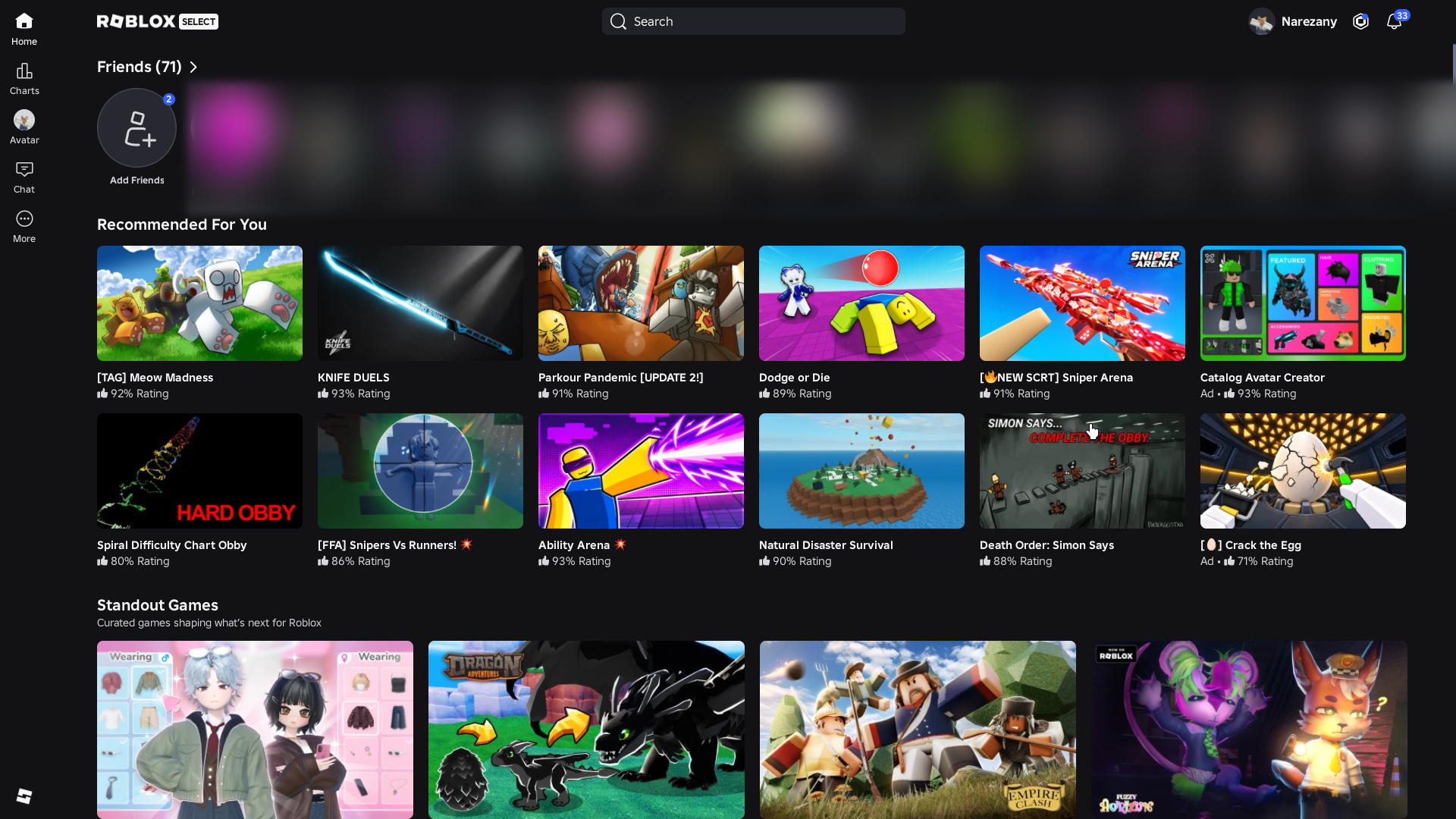
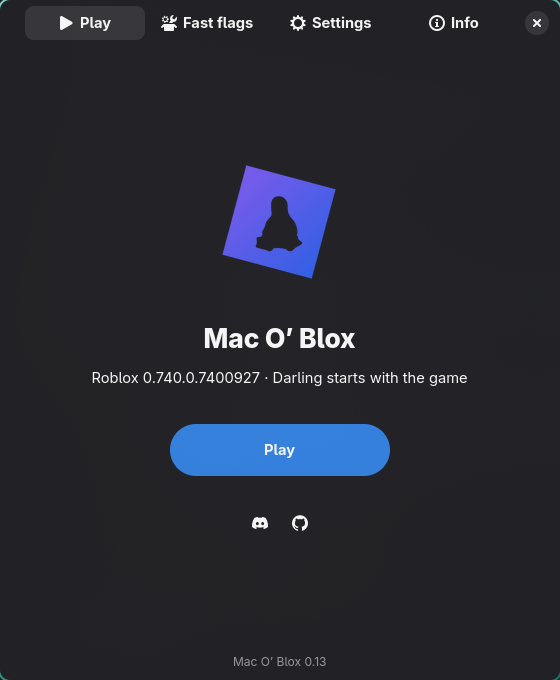
install
guideRun this in your terminal. The installer guides you through setup and prepares Roblox.
curl -fsSL https://raw.githubusercontent.com/aubree-lat/MacOBlox/main/install.sh | bashRun the installer again to update. Your settings and sign-in stay in place. The Flatpak is a testing build without Studio.
help
release notesWhat do I need?
An x86_64 Linux desktop with working graphics drivers. The source installer supports Arch and its relatives, Ubuntu 24.04+, Debian 13, and Linux Mint 22. Fedora needs Darling built from source. The Flatpak is a testing build and doesn’t include Studio.
How do I sign in?
Use Roblox’s Quick Login: enter the client’s code on a phone or browser where you’re already signed in. Password sign-in and captcha pages use the launcher’s browser window.
What’s still experimental?
OpenGL and X11 / Xwayland are the defaults. Vulkan uses Mesa Zink; direct client Vulkan is not available. Native Wayland presentation and the pause after leaving a game are still being worked on.